 AI Thumbnail Studio
For YouTube channels with impressions
New thumbnails before the coffee cools
Type the video title, pick a style, and download a 16:9 frame you can upload the same day. Built for creators who already have traffic and need faster creative tests.
From Thumbnail Growth Academy
What you can do in the studio
- Turn a title into a YouTube-sized thumbnail without opening a design file
- Try face, product, and high-energy styles on the same idea
- Download a PNG ready for YouTube’s 16:9 slot
- Run a new creative test the same day impressions stall
- Keep generating for as long as the membership is active
Stop spending two hours on a frame you will replace next week
Four steps, then upload
- 01
Write the title
Use the words you want people to read on the thumbnail, not the full video title if it is too long.
- 02
Pick a style
Face and big text, product-only, documentary, or high energy. Add a note if you want a specific look.
- 03
Generate
The studio returns a 16:9 frame. If it is close but not right, change one word and run it again.
- 04
Download and upload
Save the PNG, drop it on the video in YouTube Studio, and watch CTR against the old frame.
The kind of frame you get
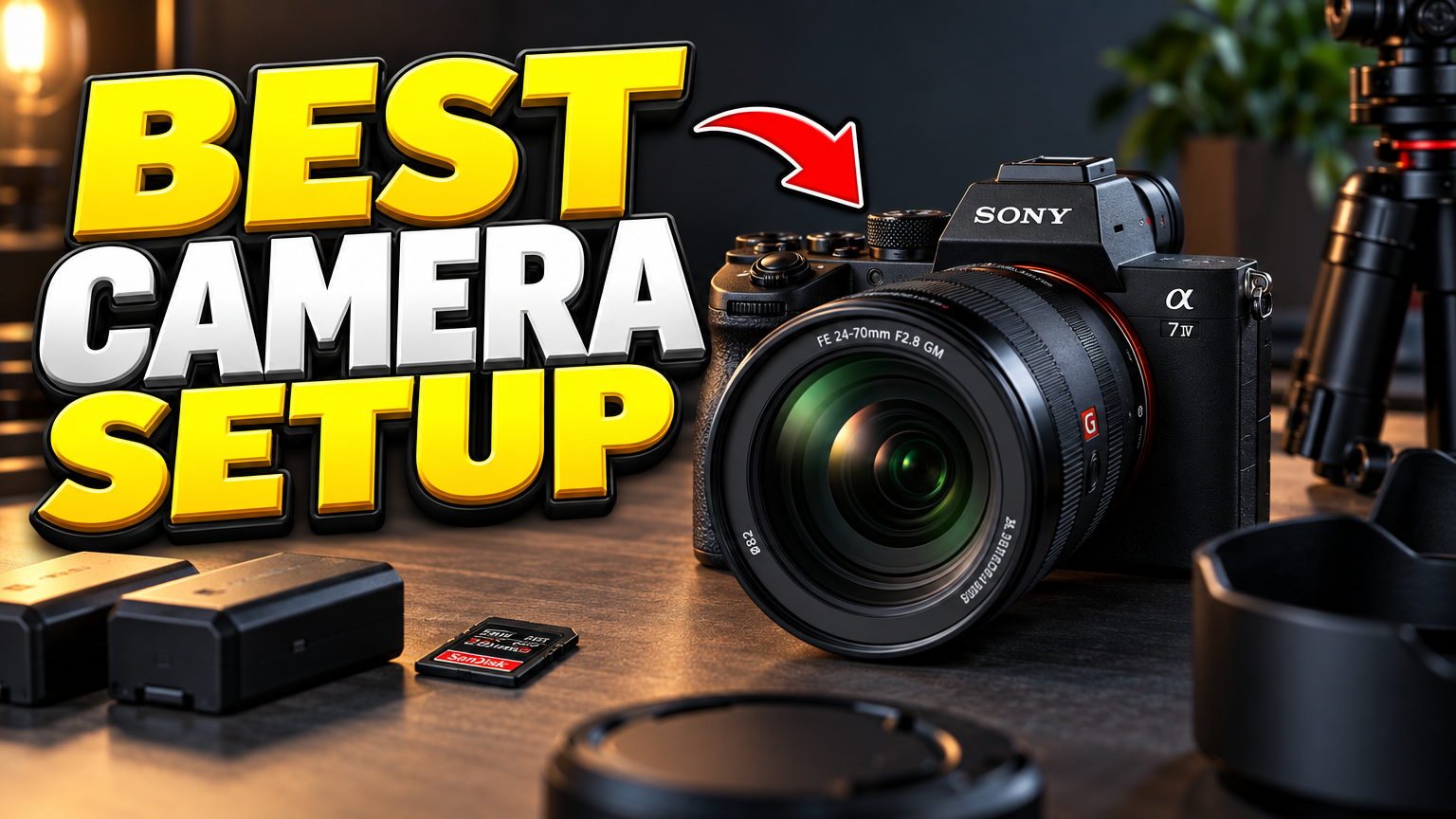
Big type, high contrast, built to read at a glance in the YouTube grid.

AI Thumbnail Studio
$29per month, cancel anytime
- Access to the member studio
- Unlimited drafts during your billing period
- 16:9 PNG downloads
- Face, product, documentary, and high-energy styles
Cancel from your Whop membership page. Access stops at the end of the paid period.
Questions
Do I need Photoshop?
No. The studio is the editor. You type, generate, and download.
What size are the files?
16:9 frames meant for YouTube thumbnails. Upload the PNG in YouTube Studio as you would any other thumbnail.
Who is this for?
YouTube channels that already get impressions and want a faster way to test a new click-through frame. It is not a course.
Can I cancel?
Yes. Billing is monthly. Cancel from your Whop account and you keep access until the period ends.
Does a new thumbnail guarantee more clicks?
No. A stronger frame can help, but CTR still depends on the title, topic, and who YouTube shows the video to.